Summary
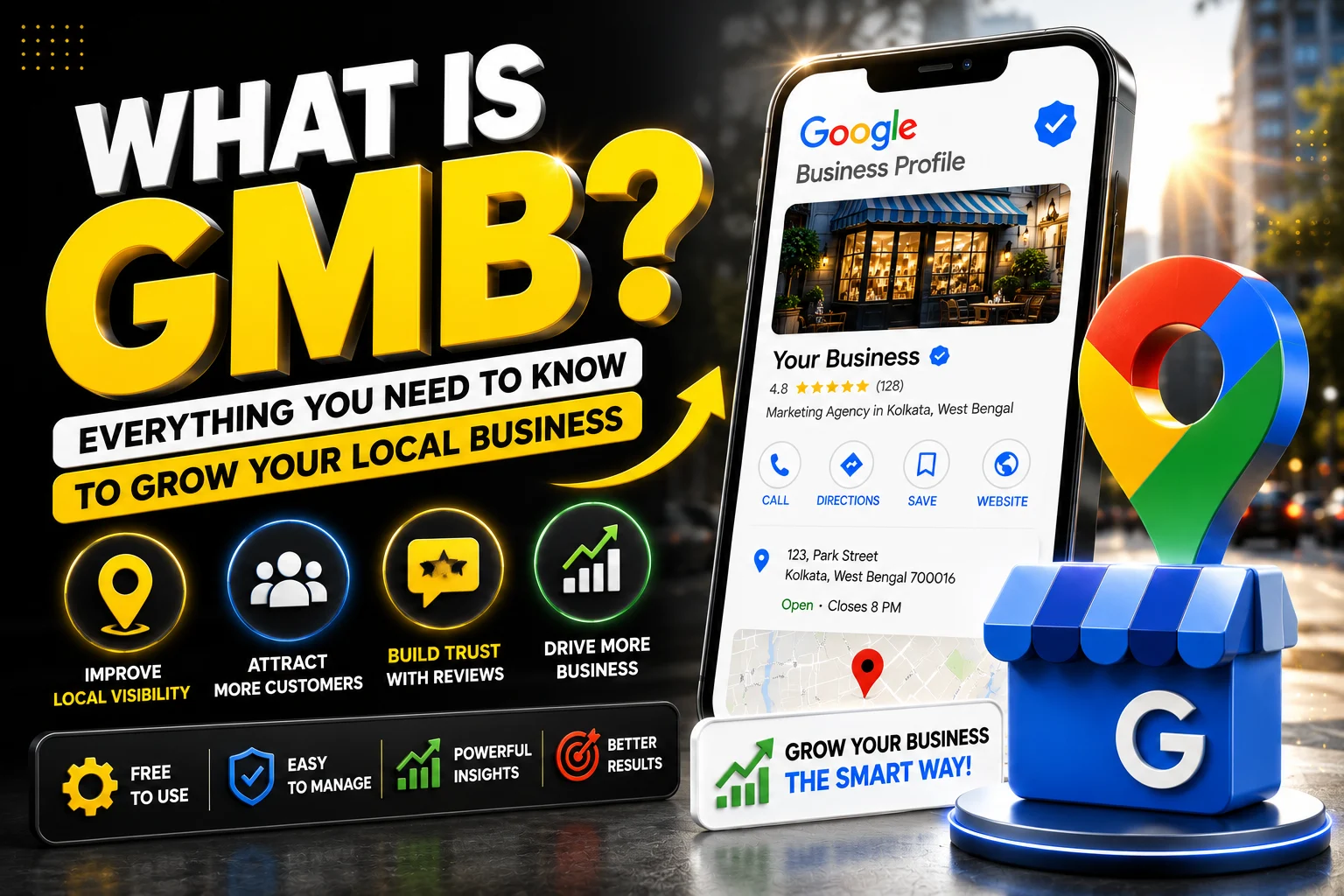
If you’re wondering What Is GMB, you’re not alone. GMB, now known as Google Business Profile, is a free platform that helps businesses appear in Google Search and Google Maps when customers look for products or services nearby. A well-optimized profile improves your online visibility, builds trust, attracts more local customers, and increases sales. Whether you run a small shop, a service-based business, or a growing company, understanding GMB can become one of the smartest investments you make for long-term local growth.
What Is GMB and Why Is It Important for Local Businesses?
The first question many business owners ask is, What Is GMB and why does everyone recommend using it? Originally called Google My Business, GMB is Google’s free business listing platform that allows companies to control how they appear across Google’s search results and Google Maps. Although the official name has changed to Google Business Profile, the term GMB is still widely used by marketers and business owners around the world.
Think of your GMB profile as your digital storefront. Long before customers visit your office or call your phone, they often search online to compare businesses. Your profile becomes the first impression they receive. It displays your business name, address, phone number, website, operating hours, reviews, photos, services, and many other details that help customers decide whether to choose your business.
Consumer behavior has changed dramatically over the past decade. Most buyers now research local businesses online before making a purchase. They compare ratings, browse photos, read customer experiences, and even check how quickly businesses respond to questions. Businesses with complete and active profiles usually earn more trust than those with outdated or incomplete information.
For small businesses with limited marketing budgets, GMB offers one of the highest returns because it allows them to compete with larger companies without paying for expensive advertising campaigns. A properly optimized profile can generate consistent leads every month simply by appearing in relevant local searches.
How GMB Helps Businesses Grow Faster
Understanding What Is GMB becomes much easier when you see its impact on business growth. Imagine someone searches for “best bakery near me” or “digital marketing agency nearby.” Google immediately displays businesses that match the search intent along with ratings, reviews, contact information, directions, and business hours. If your profile is optimized, your business has a much better chance of appearing in these valuable search results.
This increased visibility creates a steady stream of opportunities. Customers can call directly from your profile, visit your website, request directions, or send messages without needing to search further.
The fewer steps customers take, the more likely they are to choose your business.
An active profile also improves credibility. Businesses that regularly update information, upload fresh images, respond to reviews, and publish posts appear more trustworthy than businesses with neglected profiles. Trust is often the deciding factor when customers compare similar businesses offering similar prices.
Another major advantage is local SEO. Google’s algorithm considers several factors when ranking businesses, including relevance, distance, and prominence. A complete and regularly updated profile sends strong signals that your business is active, reliable, and relevant to local searchers.
Creating a Strong Google Business Profile
Many business owners ask, How can I list my business on Google Maps? The process is straightforward but requires attention to detail. First, sign in with your Google account and create your business profile. Enter your business name exactly as customers recognize it, choose the most appropriate business category, and provide accurate contact details.
The next step is GMB verification, which confirms that you are the legitimate owner of the business. Google may verify your listing through a postcard, phone call, email, video verification, or other available methods depending on your business type and location. Completing verification unlocks important features and allows you to manage your profile fully.
After verification, spend time completing every available section. Add your business description, operating hours, service areas, website, products, services, and attributes. Profiles with complete information generally perform better because they answer customer questions before they even ask them.
Visual content is equally important. Upload a professional GMB logo that represents your brand consistently across all marketing channels. Your cover image should create a strong first impression, so understanding the recommended GMB cover photo size helps ensure your images display correctly on different devices. High-quality interior, exterior, team, and product photos further increase customer confidence because they provide an authentic view of your business.
The Importance of Regular GMB Management
Creating a profile is only the beginning. Successful businesses understand that consistent GMB management plays a critical role in maintaining visibility and customer trust.
An outdated profile can quickly frustrate customers. Imagine someone arrives at your store after checking your listed business hours, only to find the business closed because the information was never updated. Experiences like this can lead to negative reviews and lost revenue.
Regular management includes updating holiday hours, adding new services, uploading recent photographs, answering customer questions, responding professionally to reviews, and monitoring profile performance through Google’s built-in insights. These small but consistent actions demonstrate that your business is active and customer-focused.
Businesses that actively manage their profiles also gain valuable insights into customer behavior. You can learn how customers found your business, which search terms they used, how many requested directions, how many visited your website, and how many called directly from your profile. This information helps guide smarter marketing decisions.
Businesses across different industries benefit from regular profile updates. Whether you run a retail store, a healthcare clinic, or a digital marketing company in Kolkata, consistent GMB management helps improve local search rankings, strengthen customer trust, and increase engagement through accurate business information, fresh photos, timely posts, and prompt responses to customer reviews. Keeping your profile active signals to both Google and potential customers that your business is reliable, relevant, and committed to delivering a great customer experience.
Using Google Posts to Keep Customers Engaged
Many businesses overlook one of GMB’s most useful features: Google Posts. These updates allow you to share company news, seasonal promotions, product launches, special events, or helpful business updates directly on your profile.
To create professional-looking posts, it’s helpful to follow Google’s recommended GMB post size and GMB post image size guidelines. Properly sized images appear clearer, attract more attention, and create a more polished impression for potential customers.
For example, a restaurant can announce a weekend special, a dental clinic can promote free consultations, or a retail store can highlight holiday discounts. These updates keep your profile fresh and encourage customers to interact with your business more frequently.
Instead of treating your business profile as a static listing, think of it as an active marketing channel that communicates with potential customers every day.
Optimizing Your Profile for Better Local Rankings
Once you understand What Is GMB, the next step is making your profile stand out from competitors. Many businesses create a profile but never optimize it, which limits its ability to generate leads. Google rewards businesses that keep their information accurate, complete, and up to date. Every update tells Google that your business is active and committed to providing a better customer experience.
One of the easiest ways to improve your visibility is by encouraging genuine customer reviews. Positive reviews influence both Google’s local ranking algorithm and potential customers’ buying decisions. More importantly, responding to every review—whether positive or negative—shows that you value customer feedback. A thoughtful response to criticism can often leave a stronger impression than the review itself because it demonstrates professionalism and accountability.
Adding fresh photos regularly is another simple yet effective strategy. Customers enjoy seeing recent images of your products, team, workspace, or completed projects. These visuals create trust because they show that your business is real and active. Google also tends to favor profiles that receive regular updates over those that remain unchanged for months.
The Role of the Google My Business Card
Many people search for the Google My Business card because they notice it appearing prominently in Google Search. This business card is essentially the information panel that displays your company’s most important details, including contact information, operating hours, customer reviews, photos, website link, and directions.
For many local businesses, this digital business card becomes the first interaction customers have with the brand. If the information is incomplete or outdated, customers may move on to a competitor within seconds. On the other hand, a professional and informative profile encourages confidence before a customer even visits your website.
A well-maintained business card also reduces customer confusion. Instead of calling to ask basic questions about your location or opening hours, customers can find answers instantly, making their buying journey smoother and increasing the likelihood of conversion.
Why Businesses Use a GMB Audit Tool
As businesses grow, keeping every part of a Google Business Profile optimized becomes more challenging. This is where a GMB audit tool becomes valuable. An audit tool reviews your profile and identifies areas that need improvement, such as missing information, inconsistent business details, weak descriptions, poor image quality, or incomplete categories.
Regular audits help ensure that your profile follows Google’s best practices. They also identify opportunities to improve local search performance by highlighting missing keywords, outdated content, or customer engagement issues. Even businesses with established profiles benefit from periodic audits because Google’s recommendations and local search algorithms continue to evolve.
For companies managing multiple business locations, an audit becomes even more important. Maintaining consistency across every location strengthens brand credibility while helping customers receive accurate information regardless of which branch they visit.
Common Mistakes That Reduce GMB Performance
Although creating a profile is relatively simple, many businesses unknowingly make mistakes that limit their visibility. One of the most common problems is leaving sections incomplete. Missing business descriptions, inaccurate categories, or outdated contact information make it harder for Google to understand and recommend your business.
Another frequent mistake is neglecting customer reviews. Businesses that ignore reviews often appear less responsive than competitors who actively engage with customers. Even a short, polite response shows appreciation and builds trust with future customers reading those reviews.
Poor-quality images also hurt performance. Blurry photos, outdated branding, or missing visuals reduce customer confidence. Investing a little time in uploading professional images can significantly improve the overall appearance of your profile.
Some businesses also forget to post regular updates. An inactive profile can appear neglected, while businesses that frequently share offers, announcements, or news demonstrate ongoing activity and customer engagement.
Managing Business Changes Successfully
Businesses naturally evolve over time. You may relocate, change phone numbers, introduce new services, or adjust operating hours. Keeping your profile updated ensures customers always receive accurate information.
There may also be situations where business owners search for How to delete my business from Google. This usually happens when a company permanently closes, relocates, or merges with another business. Rather than deleting a listing immediately, it is often better to mark the business as permanently closed if applicable. This helps preserve historical information while informing customers about the closure. If a duplicate listing exists, removing or merging it can prevent confusion and improve your local SEO.
Managing these changes promptly protects your online reputation and prevents customers from receiving outdated information.
The Future of Local Search and Google Business Profiles
Local search continues to evolve rapidly as Google introduces smarter search experiences powered by artificial intelligence. Customers increasingly expect immediate answers, personalized recommendations, and accurate business information directly within search results.
Businesses that actively maintain their profiles will continue to benefit from these changes. Rich photos, detailed service descriptions, consistent customer engagement, and regular updates all contribute to stronger visibility. Voice search is also becoming more common, making complete and accurate business information even more valuable.
As competition increases across almost every industry, businesses that treat their Google Business Profile as an essential marketing asset will gain a significant advantage over competitors who ignore it. Local visibility is no longer optional—it has become a fundamental part of modern business growth.
Conclusion
By now, you should have a clear understanding of What Is GMB and why it plays such an important role in local business success. From improving visibility in Google Search and Maps to building customer trust, increasing website traffic, generating phone calls, and attracting more in-store visits, GMB has become one of the most powerful free marketing tools available today.
Whether you’re creating your first profile, completing GMB verification, improving GMB management, optimizing your Google My Business card, reviewing your profile with a GMB audit tool, or updating images using the correct GMB cover photo size and GMB post image size, every improvement strengthens your online presence. Even knowing practical topics like How can I list my business on Google Maps? or How to delete my business from Google helps you manage your profile more effectively as your business evolves.
Most importantly, remember that What Is GMB is not just a question about a Google feature—it is about creating more opportunities for customers to discover, trust, and choose your business. By investing a little time in keeping your profile complete, accurate, and active, you position your business for sustainable local growth. Start optimizing your profile today, stay consistent with updates, and let Google become one of your strongest partners in attracting new customers and growing your business.
Frequently Asked Questions (FAQs)
1. What Is GMB and how does it work?
GMB, now called Google Business Profile, is a free tool that helps businesses appear on Google Search and Google Maps. It displays your business information, reviews, photos, contact details, and operating hours. A well-optimized profile improves local visibility, builds customer trust, and helps attract more leads and sales.
2. How can I list my business on Google Maps?
To list your business on Google Maps, create a Google Business Profile using your Google account. Enter accurate business details, choose the correct category, and complete the GMB verification process. Once verified, your business can appear in Google Search and Google Maps for relevant local searches.
3. How long does GMB verification take?
The GMB verification timeline depends on the verification method. Email or phone verification may be completed within minutes, while postcard verification usually takes 5–14 business days. After successful verification, you can fully manage your business profile and access all available features.
4. Is Google My Business (GMB) free?
Yes. Google Business Profile is completely free to use. You can create your business listing, update information, respond to customer reviews, upload photos, and publish posts without paying Google. It is one of the most effective free tools for improving local online visibility.
5. How do I delete or remove my business from Google?
If your business has permanently closed or you no longer manage it, you can mark it as “Permanently Closed” or request to remove the listing through your Google Business Profile dashboard. This helps keep Google Search and Maps accurate while preventing customer confusion.
Leave a Reply