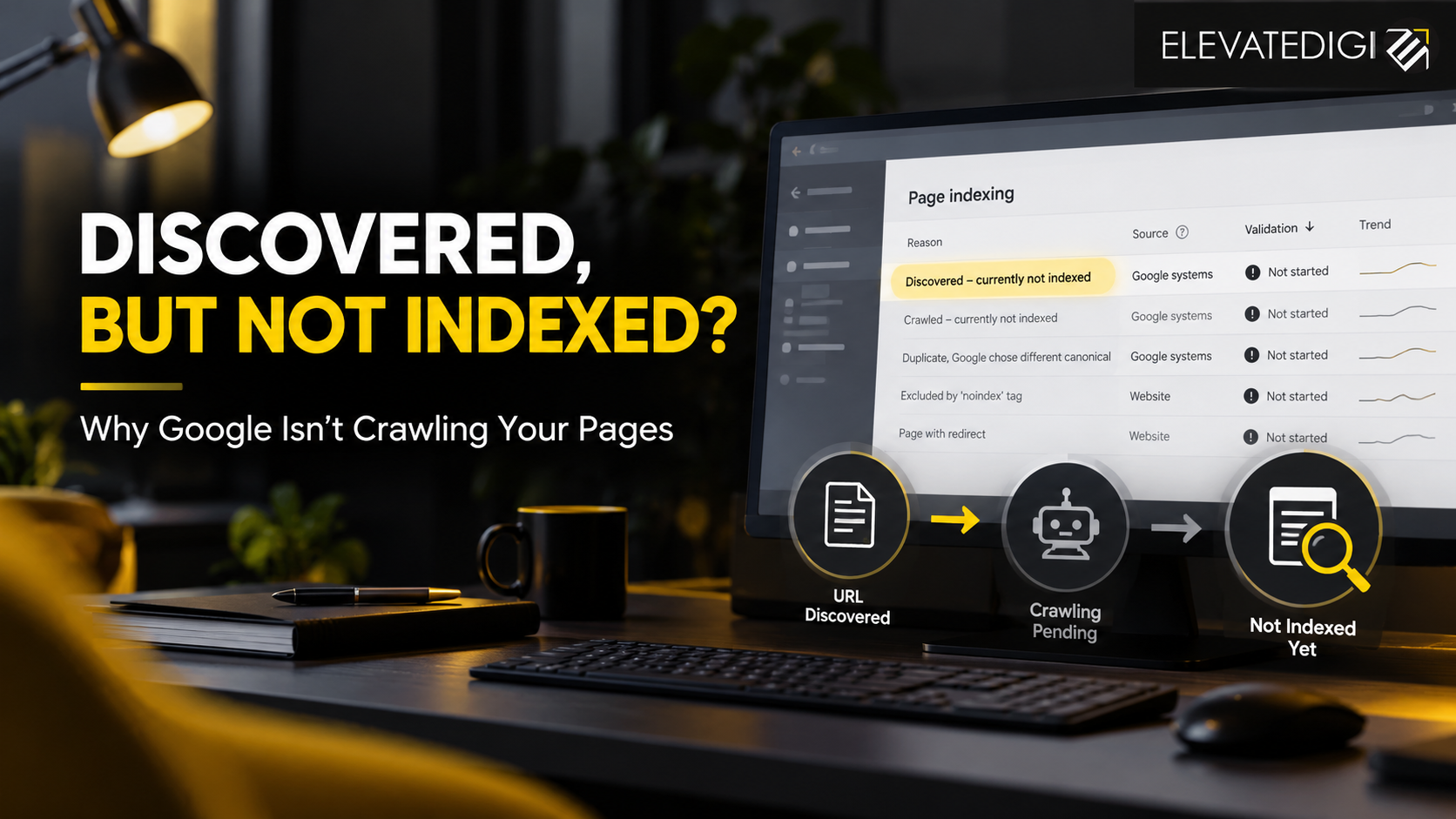
You publish a new blog, update your website content, and wait for Google to show your pages in search results. But when you check Google Search Console, you find a status that says “Discovered – currently not indexed.” Days pass, and the page still does not appear on Google.
If this sounds familiar, you are not alone. Website owners often encounter this issue, particularly when they publish content regularly or manage websites with hundreds of URLs.
The discovered currently not indexed status means Google knows that your URL exists but has not yet crawled it. This is different from a page that Google has crawled but decided not to include in its index.
Although this status does not necessarily indicate a technical error, it can affect your website’s organic visibility if important pages remain unindexed for an extended period. Understanding why this happens is the first step towards resolving the issue.
In this guide, ElevateDigi explains the common causes of this indexing problem, how to diagnose it using Google Search Console, and what you can do to help Google discover and index your website pages more efficiently.
What Does “Discovered – Currently Not Indexed” Mean?
Google uses automated systems to discover URLs, crawl their content, evaluate their quality, and decide whether they should be included in its search index. These processes do not always happen immediately.
When a page receives the discovered currently not indexed status in Google Search Console, it means Google has discovered the URL but has not crawled it yet. Google may postpone crawling because of factors such as crawl capacity, website performance, or the number of URLs waiting to be processed. If these issues persist, consulting an experienced SEO Company in Kolkata can help identify technical SEO problems and improve your website’s crawling efficiency.
For example, suppose you publish a new service page on your website. Google discovers the URL through your XML sitemap or an internal link, but the page remains unvisited by Google’s crawler. The URL may appear under this status in the Page Indexing report.
This does not automatically mean your content is poor or that your website has received a penalty. Google may simply not have crawled the page yet.
It is also important to distinguish this status from “Crawled – currently not indexed.” In that case, Google has already visited the page but has not included it in its index. The reasons and troubleshooting steps can be different.
Why Are Your Website Pages Discovered but Not Indexed by Google?
There is rarely one explanation that applies to every website. The underlying cause may relate to your site’s technical health, content structure, internal linking, or the way Google allocates its crawling resources.
1. Your Website Has Too Many URLs for Google to Crawl Efficiently
Large websites can generate thousands of URLs through product filters, search parameters, pagination, category variations, and other features. Even a relatively small website can create unnecessary URLs if its CMS or plugins generate multiple versions of the same page.
When Google discovers a large number of URLs, it must determine which pages to crawl and when. If your website generates many low-value or duplicate URLs, important pages may take longer to be crawled.
For example, an e-commerce website might generate separate URLs for every combination of colour, size, sorting option, and filter. If these variations do not provide meaningful additional content, they can complicate crawling.
Review your URL structure and identify unnecessary URL variations. Make sure your XML sitemap contains the canonical URLs you actually want Google to index. Understanding SEO vs AI Search can also help you develop a more effective visibility strategy, ensuring your website’s important pages are accessible to search engines and structured to support discovery across traditional search results and AI-powered search platforms.
2. Your Website Has Weak Internal Linking
Internal links help Google discover the relationship between pages on your website. They also help search engines understand which pages are important within your overall site structure.
If a newly published blog or service page has no internal links pointing to it, Google may discover it through a sitemap but have fewer signals about its importance.
Imagine publishing an important service page that is not linked from your homepage, service menu, related blogs, or category pages. Although the URL exists, it remains poorly connected to the rest of your website.
You can improve this situation by linking relevant pages naturally. For instance, a blog about technical SEO could link to a related website audit service page, while the service page could link back to useful educational content.
A logical internal linking structure makes it easier for visitors and search engines to navigate your website.
3. Your Website Is Slow or Frequently Experiences Server Errors
Website performance can influence how efficiently Google crawls your pages. If your server responds slowly, frequently returns errors, or struggles with large numbers of requests, Google may reduce its crawling activity.
This is particularly relevant for websites hosted on unreliable servers or websites that experience sudden traffic spikes.
Check your server logs, hosting performance, and response codes to determine whether Googlebot encounters delays or errors. Google Search Console’s crawl statistics can also help identify problems with server availability and response times.
Improving server reliability, reducing unnecessary redirects, and resolving recurring 5xx errors can help create a more accessible website.
However, a slow page does not automatically cause the discovered status. The status means the page has not yet been crawled, so investigate the broader crawling process rather than focusing only on page speed.
4. Your XML Sitemap Contains URLs That Should Not Be Indexed
An XML sitemap helps Google discover important URLs, but submitting a URL does not guarantee that Google will crawl or index it.
Problems arise when a sitemap includes outdated URLs, redirected pages, URLs returning errors, duplicate pages, or pages marked with a noindex directive.
For example, if your sitemap contains an old service URL that redirects to a new page, Google must process the redirect before it can understand the destination URL’s status. A sitemap filled with unnecessary URLs can also make it harder to maintain a clean indexing strategy.
Review your XML sitemap and include the preferred, canonical URLs of pages you want indexed. Remove URLs that redirect, return errors, or are intentionally excluded from search results.
For WordPress websites, check whether your SEO plugin automatically generates the sitemap and whether its settings reflect your current website structure.
5. Your Website Has Recently Published or Updated Many Pages
New websites and recently expanded websites may need time for Google to discover and crawl their pages. The same can happen after a redesign, migration, major URL restructuring, or a large content publication campaign.
If you publish dozens or hundreds of URLs in a short period, Google may not crawl every page immediately.
For example, a business launching a new set of location pages might find that some URLs are indexed quickly while others remain in the discovered status. This is also why SEO Blogging: Why Daily Posts Don’t Improve Rankings is an important topic for businesses to understand, as publishing content frequently does not guarantee faster indexing or better rankings without quality content, proper internal linking, and a well-structured website.
In this situation, check whether the pages are accessible, internally linked, and included in the correct sitemap. Monitor their status over time instead of repeatedly submitting the same URLs.
If the pages remain unindexed for an extended period, investigate the site’s crawling patterns and technical configuration.
6. Google Has Limited Signals About Which Pages Matter Most
Google does not necessarily crawl every URL it discovers at the same speed. A website’s overall structure, the number of URLs it generates, server responsiveness, and the importance of individual pages can all influence crawling decisions.
If your most valuable service pages are buried deep within the website, they may receive less internal linking support than pages that are accessible through prominent navigation.
Consider a digital marketing agency website with separate pages for SEO, social media marketing, performance marketing, and AEO. If these pages are disconnected from the main services section, Google may have fewer opportunities to discover them through normal site navigation.
Organise your website so that important pages are easy to reach from relevant category pages, navigation menus, and supporting content. A clear hierarchy helps both users and search engines understand the purpose of each page.
7. Your Website Has Technical Issues That Interfere With Crawling
Technical SEO problems can prevent Google from accessing URLs as expected. Incorrect redirects, inconsistent canonical tags, blocked resources, authentication requirements, and server configuration issues may complicate the crawling process.
For example, a website migration may leave behind redirect chains or outdated internal links. Google might discover an old URL while the preferred destination remains difficult to find.
Start by checking the URL Inspection tool in Google Search Console. Confirm the page’s HTTP response, crawl accessibility, indexing directives, and canonical configuration.
Also review your robots.txt file. Although a robots.txt restriction does not always explain the discovered status, it can prevent Googlebot from crawling URLs that you intend to make available for indexing.
If the issue began after a website redesign or migration, compare the old and new URL structures to identify any configuration mistakes.
How to Fix “Discovered – Currently Not Indexed” in Google Search Console
Finding the status is only the beginning. The next step is to establish why Google has not crawled the affected URLs and address the actual cause.
Step 1: Inspect the Affected URL
Open Google Search Console and use the URL Inspection tool to check one of the affected pages.
Review the indexing information and confirm whether Google has discovered the URL, whether it has been crawled, and whether any accessibility or indexing issues are reported.
If the page has not been crawled, focus first on crawl accessibility, internal linking, server behaviour, and URL discovery. Do not assume that the page needs to be rewritten simply because it has not yet been indexed.
Step 2: Check Whether Google Can Access the Page
Open the page in a browser and confirm that it loads correctly without requiring a login or special permissions.
Check the HTTP response, robots.txt rules, meta robots directives, and any server-side restrictions that might prevent Googlebot from crawling the page.
A page intended for search visibility should generally return a successful response and should not be unintentionally blocked from crawling.
Step 3: Strengthen Internal Links
Add contextual links from relevant, already accessible pages to the affected URL. Prioritise important service pages, category pages, and useful supporting articles.
Avoid adding unrelated links merely to increase their number. Internal links should help readers navigate naturally and understand how the content connects. Understanding SEO Fundamentals in 2026 can help businesses build a stronger internal linking strategy, improve website structure, and make important pages easier for search engines and users to discover.
Step 4: Clean Up Your XML Sitemap
Make sure your sitemap contains the correct URLs and that those URLs are accessible, canonical, and intended for indexing.
Remove outdated URLs and investigate redirects or errors. If your website uses an SEO plugin, check that the sitemap is being generated correctly after content updates.
Step 5: Review Your Website’s Crawling Patterns
If many pages have the same status, look beyond individual URLs. Google Search Console’s Crawl Stats report, where available, and your server logs can help identify repeated server errors, unusually high URL discovery, or crawling delays.
A pattern affecting hundreds of pages may point to a site-wide issue rather than a problem with each page individually.
Step 6: Request Indexing When Appropriate
After fixing the underlying issue, use URL Inspection to test the page and request indexing where the option is available.
Requesting indexing is not a guarantee that Google will crawl or index the page. Repeatedly submitting the same URL without making meaningful changes is unlikely to solve a broader crawling problem.
Allow time for Google to process the changes and monitor the affected URLs in Search Console.
How Long Does Google Take to Index Discovered Pages?
There is no fixed timeframe for indexing. Some pages may be crawled relatively quickly, while others can remain undiscovered by the crawler for longer periods.
The timeline depends on several factors, including website size, crawling patterns, server availability, URL structure, and the overall accessibility of the pages.
For a new website, indexing may take longer because Google has limited history with the domain. For an established website, a sudden increase in affected URLs may justify a closer technical investigation.
Instead of checking the same page repeatedly throughout the day, monitor changes over a reasonable period. If important pages remain in the same state, review the technical evidence and look for common patterns among affected URLs.
The objective is not to force Google to crawl every URL immediately. It is to make sure the pages you want indexed are accessible, useful, well connected, and easy for search engines to discover.
When Should You Seek Professional SEO Help?
If only one or two newly published pages have this status, a short delay may not be a serious concern. However, the situation deserves closer attention when important commercial pages remain unindexed or when the number of affected URLs continues to increase.
For example, an unindexed service page may limit its opportunity to appear in relevant organic search results. Similarly, a product category page that remains outside Google’s index may reduce the visibility of the products it supports.
An experienced SEO professional can examine your website’s URL structure, internal linking, server logs, crawl statistics, sitemap configuration, and indexing directives to identify the underlying cause.
Businesses looking for an SEO Company in Kolkata should prioritise agencies that explain their findings using actual website data rather than promising guaranteed rankings or instant indexing.
At ElevateDigi, a technical SEO review can help identify indexing barriers, prioritise corrective actions, and build a more structured approach to organic search visibility. Working with an experienced SEO Agency in Kolkata can be especially useful when indexing problems affect multiple service pages, a large blog archive, or an e-commerce catalogue.
The right solution depends on the evidence. Rewriting content, changing URLs, or modifying technical settings without identifying the cause may create additional problems rather than resolve the original issue.
Conclusion
The discovered currently not indexed status does not necessarily mean Google has rejected your content. It means Google has discovered the URL but has not crawled it yet.
The most effective response is to investigate the cause systematically. Review internal linking, sitemap quality, server performance, crawling restrictions, and URL structure before making changes. Use Google Search Console to validate your findings and monitor the results after implementing a fix.
For businesses that depend on organic search traffic, resolving indexing issues is an important part of maintaining a healthy website. With a clear technical SEO strategy, you can help Google discover your important pages more efficiently and build a stronger foundation for long-term visibility.
ElevateDigi helps businesses approach SEO through technical analysis, structured content, and practical optimisation strategies designed to support sustainable online growth.
Frequently Asked Questions (FAQs)
1. What does “Discovered – currently not indexed” mean in Google Search Console?
It means Google has discovered the URL but has not crawled it yet. Google may postpone crawling because of factors such as crawl capacity, server performance, or the number of URLs waiting to be processed. It does not automatically mean your page has been penalised.
2. How do I fix discovered currently not indexed pages?
Start by inspecting the affected URL in Google Search Console. Check whether Google can access the page, review your sitemap and robots.txt file, strengthen relevant internal links, and investigate server or URL-structure problems. Request indexing after addressing any identified issues.
3. What is the difference between discovered and crawled but not indexed?
Discovered – currently not indexed means Google knows the URL exists but has not crawled it yet. Crawled – currently not indexed means Google has visited the page but has not included it in the index. The second status requires you to investigate why the page was not indexed after crawling.
4. Does requesting indexing guarantee that Google will index my page?
No. Requesting indexing through Google Search Console asks Google to consider crawling the page, but it does not guarantee crawling or inclusion in search results. The page must also be accessible and meet Google’s requirements for indexing.
5. Can an SEO agency help fix indexing issues?
Yes. An experienced SEO agency can audit your website’s technical configuration, internal links, sitemap, server responses, and crawling patterns to identify potential causes. If your important pages remain unindexed, an SEO Agency in Kolkata such as ElevateDigi can help you investigate the issue and prioritise appropriate technical improvements.
Leave a Reply